
Settings Reference
Every BCXIR settings page and option.
Open Bondage Club’s native extension settings menu and choose BCXIR Settings. The menu is split into focused pages.
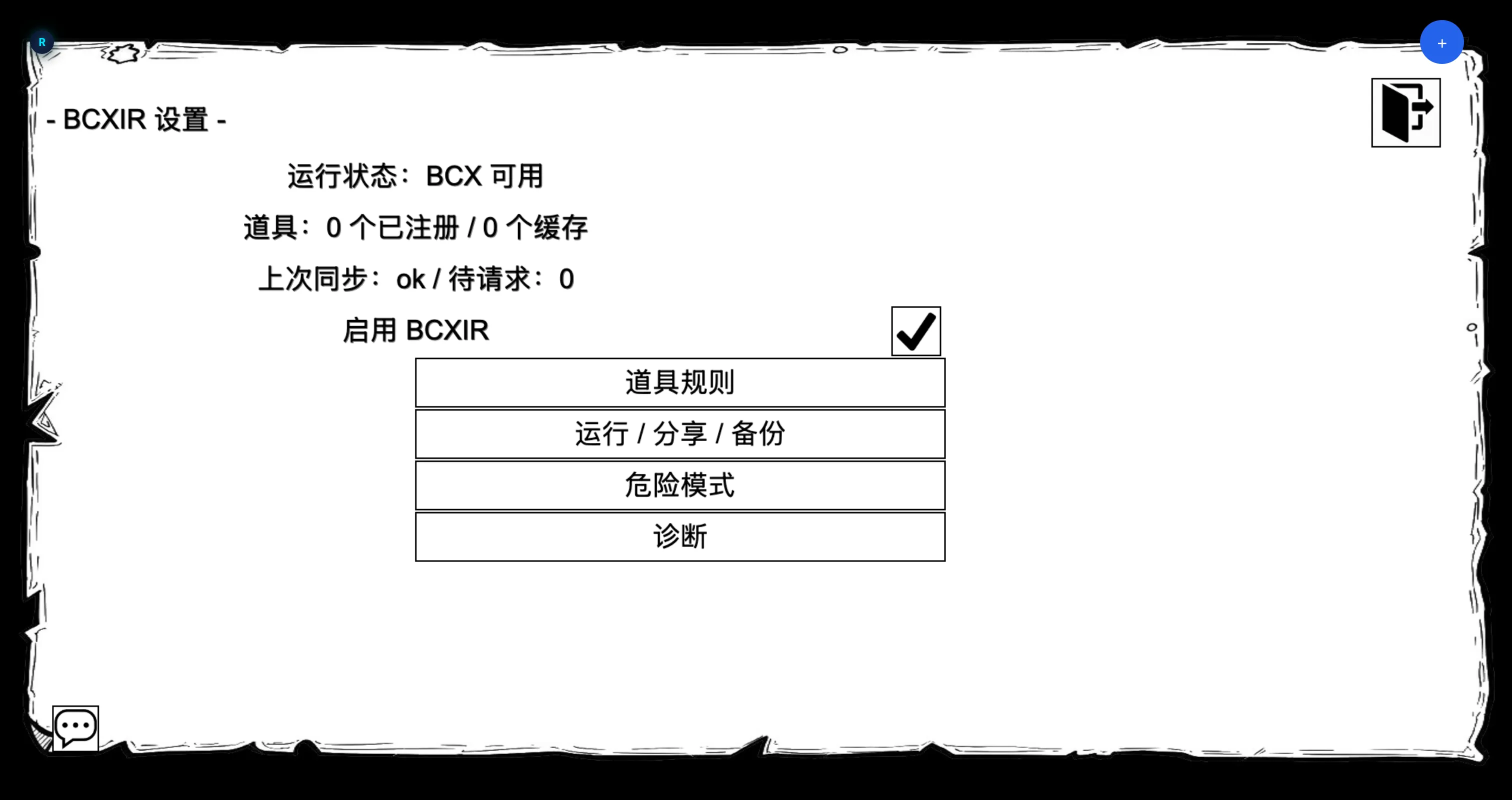
Main page
Shows current status and links to every sub-page:
- Item Rules
- Runtime & Permissions
- Cache & Sharing
- Import / Export
- Debug / Diagnostics
- Advanced
Item Rules
Create and manage registered item rule entries. For each entry:
| Control | Description |
|---|---|
| Name | The crafted item name to match. |
| Enabled | Toggle participation in matching/sharing. |
| Self-only | Keep the rule private to you; never shared. |
| Rules count | Number of rules in the payload. |
| Updated | Last edit time. |
| Edit BCX Rules | Opens the virtual authoring flow (Creating Item Rules). |
| Duplicate | Copy an entry. |
| Delete | Remove an entry. |
| Match test | Check whether a name would match. |
| Sync | Re-run synchronization for the entry. |
Runtime & Permissions
- Apply mode —
Item creator/Myself(andPlease use mewhen Dangerous Mode is unlocked). - Cached offline creator — allow applying a cached creator’s rules when the creator is offline (see Sharing).
- Item-category scan — controls how worn items are scanned.
- Fallback sync.
- Foreign item rules — allow or block other people’s items from affecting you.
Cache & Sharing
- Respond to requests — answer incoming payload requests for your items.
- Auto-request remote rules — fetch rules for foreign items you wear.
- Transport messages — visibility of transport activity.
- Cache deletion and cooldown clearing.
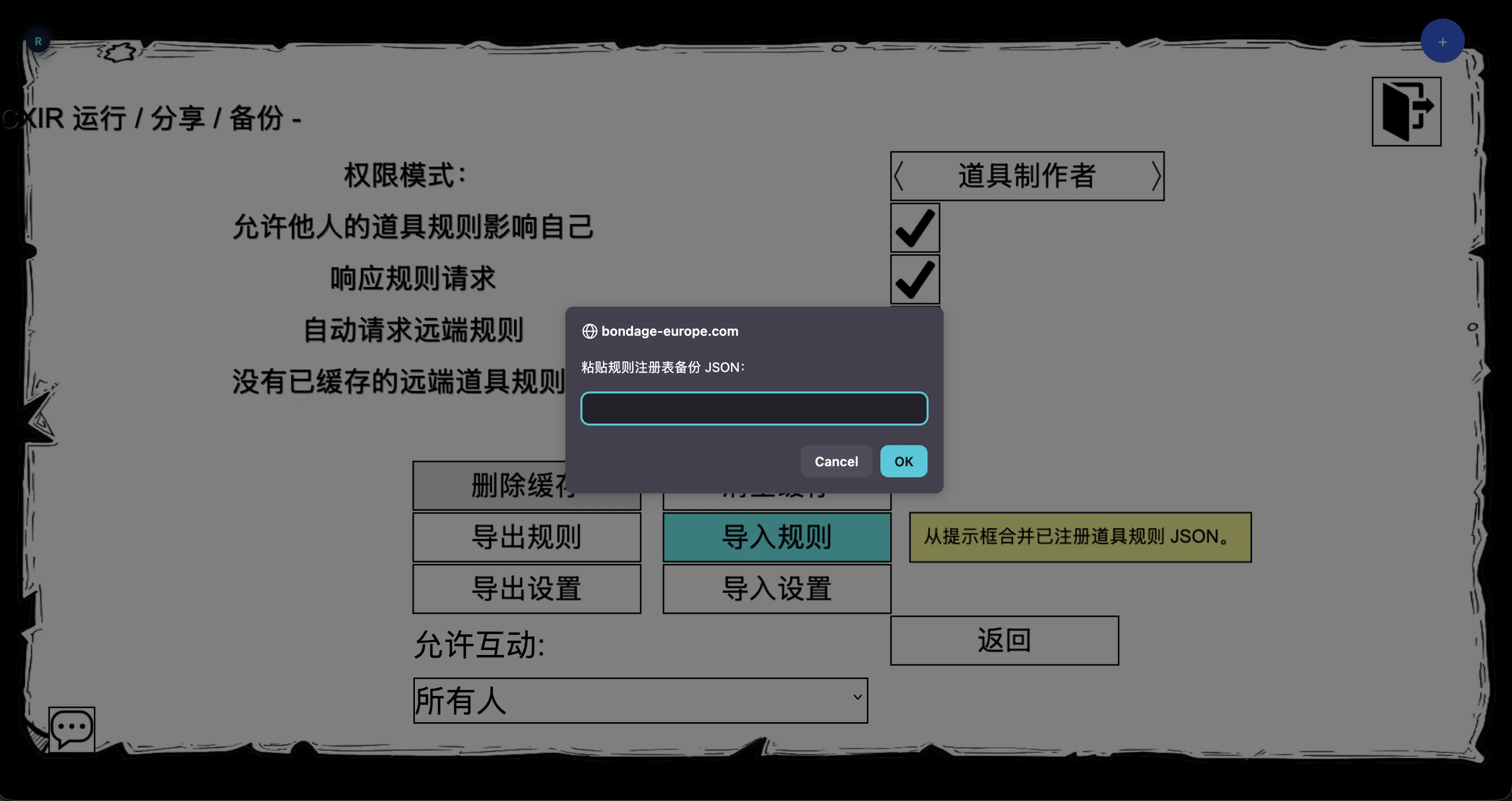
Import / Export
Backup and restore flows for your registry and settings as JSON. Use this to move your BCXIR data between profiles or keep an off-game backup.
Debug / Diagnostics
- Message/log toggles.
- Sync status.
- Diagnostic report.
- Cancel authoring — abort an in-progress authoring session.
- Release managed rules — hand back the rules BCXIR currently manages.
Advanced
Destructive maintenance actions: reset, registry/cache clearing, cleanup, and sharing-disable actions. The Dangerous Mode master switch and its child options also live in this advanced area — see Dangerous Mode.
Where settings are stored
Settings are stored in:
Player.ExtensionSettings.BCXIRA local backup is also written to:
localStorage["BCXIR_<MemberNumber>_backup"]BCXIR never writes to:
Player.ExtensionSettings.BCX